
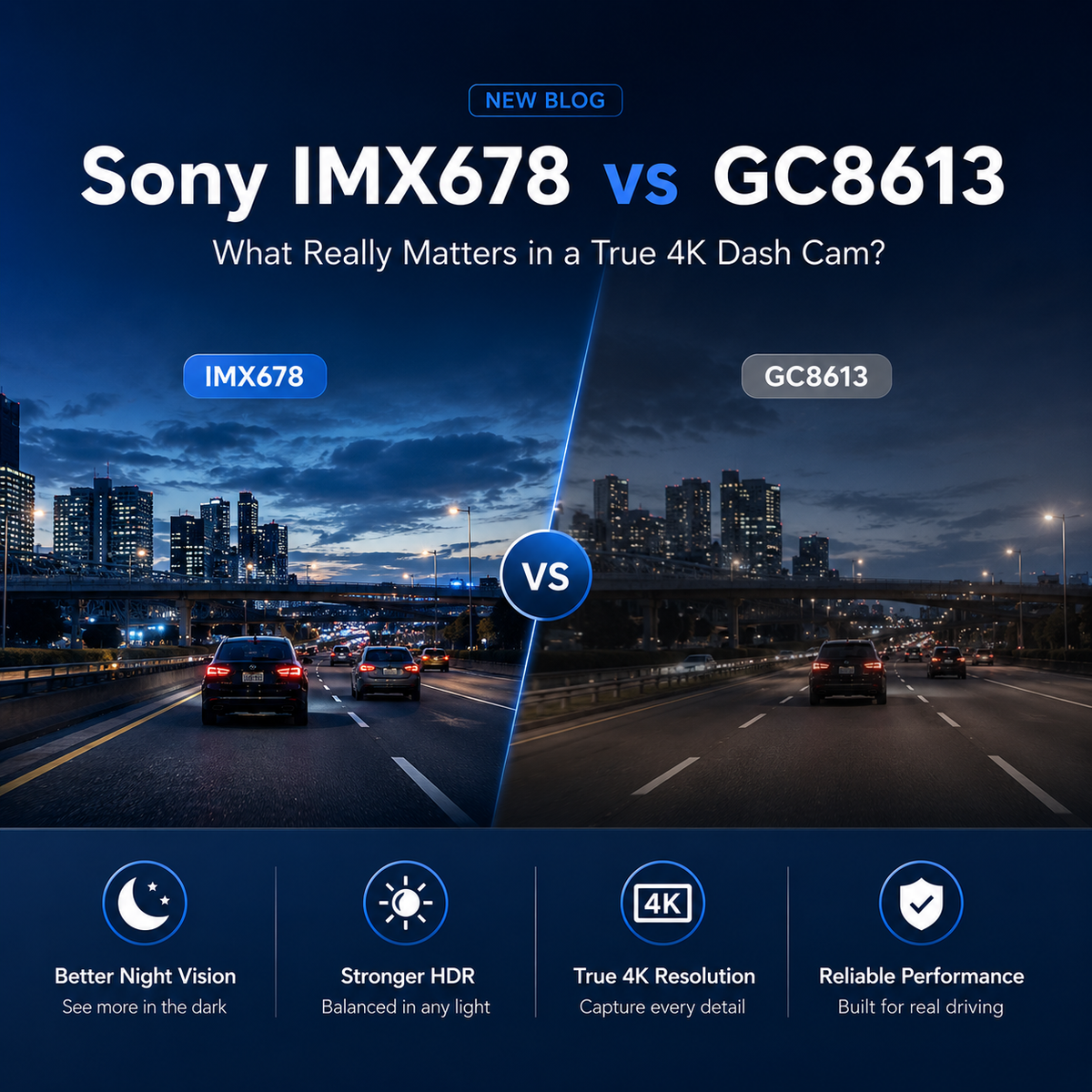
“4K” has become one of the most common selling points in the dash cam market. Search for a new dash cam, and you will find countless models promising 4K Ultra HD recording, sharper footage, and clearer license plates.
But here is something many buyers do not realize:
A video file labeled 4K does not necessarily mean the camera captured true 4K detail.
Two dash cams can both produce a video with a resolution of 3840 × 2160, yet deliver noticeably different results when you pause the footage, zoom in on a license plate, or review a nighttime incident.
Why? Because the resolution shown in the specifications is only one part of the story.
Before buying a 4K dash cam, look beyond the number and find out how that footage is actually captured.
What Is True 4K?
Standard 4K UHD video has a resolution of:
3840 × 2160 pixels
When we multiply those numbers, we get:
3840 × 2160 = 8,294,400 pixels
That is approximately 8.3 million pixels, commonly described as the 8MP class.
A true native 4K dash cam needs an image sensor capable of capturing approximately 8MP of real image information for each frame. The footage should be captured at 4K resolution at the sensor level—not recorded at a lower resolution and enlarged afterward.
That distinction matters because every pixel represents visual information from the road. More genuine captured information can help preserve details such as:
-
License plates
-
Road signs
-
Lane markings
-
Traffic signals
-
Vehicle shapes and positions
-
Details at a greater distance
True 4K does not simply create a larger video file. It starts with capturing more information in the first place.
What Is Upscaled 4K?
Some cameras use a lower-resolution image sensor and then enlarge the recorded image to 3840 × 2160 through software processing.
This is commonly called:
-
Upscaled 4K
-
Interpolated 4K
-
Software-enhanced 4K
During upscaling, the processor adds pixels to make the final video file match the dimensions of a 4K video. However, those additional pixels do not represent new details captured from the road. They are estimated from the information already available in the lower-resolution image.
Imagine taking a small photo and stretching it to fill a much larger screen. The file becomes bigger, but the original details do not become clearer.
The same principle applies to video.
Upscaling can increase the number of pixels in a file, but it cannot recreate road details that the image sensor never captured.
As a result, an upscaled video may technically display “3840 × 2160” in its file information while still looking soft, blurry, or lacking detail when enlarged.
True 4K vs. Upscaled 4K
| Recording type | Original image capture | Output resolution | What it means |
|---|---|---|---|
| True native 4K | Approximately 8MP of image data | 3840 × 2160 | The camera captures the image at native 4K resolution |
| Upscaled 4K | Lower-resolution image data | 3840 × 2160 | Software enlarges the footage to create a 4K-sized file |
| 2K/QHD | Approximately 4MP | 2560 × 1440 | Clearer than 1080p, but not native 4K |
| Full HD | Approximately 2MP | 1920 × 1080 | Smaller files, with less room for cropping and enlargement |
This is why checking the output resolution alone is not enough. A 3840 × 2160 file can be native 4K or a lower-resolution recording that has been enlarged.
Why an 8MP Sensor Matters
When evaluating a true 4K dash cam, the image sensor is one of the most important components to check.
A native 4K frame contains approximately 8.3 million pixels. Therefore, a dash cam needs an approximately 8MP-class sensor with enough effective pixels to capture that image natively.
This provides more original visual information before the footage is compressed or saved.
The benefits can become especially noticeable when you need to:
-
Pause footage after an incident
-
Crop a specific part of the image
-
Examine a nearby license plate
-
Identify a road sign
-
Review vehicles in another lane
-
View footage on a larger screen
However, buyers should also understand that an 8MP sensor is not a guarantee that every license plate will always be readable.
Vehicle speed, distance, lighting, glare, motion blur, windshield condition, camera angle, lens quality, exposure settings, video bitrate and compression can all affect the final result.
The sensor is the foundation of true 4K, but the entire imaging system determines how useful the footage will be in real driving conditions.
Don’t Judge a Dash Cam by Resolution Alone
Resolution is important, but it should not be the only number you consider.
Before choosing a 4K dash cam, look at the complete imaging system.
1. Image Sensor Resolution
Check whether the manufacturer identifies the sensor resolution or sensor model. For native 4K recording, look for an approximately 8MP-class image sensor with sufficient effective pixels.
If a product claims 4K but does not provide any information about how the footage is captured, look for additional technical details or original sample videos.
2. Native or Upscaled Recording
Look for clear terms such as “native 4K” or “true 4K.”
A product page that only lists 3840 × 2160 as its output resolution may not explain whether the footage was originally captured at that resolution.
3. Lens Quality
A high-resolution sensor cannot compensate for a poor lens. The lens must be capable of directing a sharp, properly focused image onto the sensor.
A low-quality lens can make native 4K footage appear soft, especially around the edges.
4. Video Bitrate and Compression
Dash cam footage must be compressed before it is stored on a memory card. If the bitrate is too low or the compression is too aggressive, fine details can be lost even when the original recording is 4K.
This can create blocky textures, blurred road surfaces or unclear details in scenes with a lot of movement.
5. HDR and Low-Light Performance
Driving conditions are rarely perfect. Bright headlights, deep shadows, tunnels, direct sunlight and nighttime roads can all challenge a camera.
HDR or similar exposure-processing technology can help balance bright and dark areas. However, it should complement true resolution—not replace it.
6. Frame Rate
Frame rate affects how motion is recorded. When reviewing a moving vehicle or a fast-changing scene, stable frame delivery can be just as important as the resolution printed on the box.
7. Original Video Samples
Whenever possible, download original, unedited video files from the manufacturer.
Videos uploaded to YouTube, social media or messaging platforms are usually compressed. They may not accurately represent the quality of the original dash cam file.
Check samples recorded in several conditions:
-
Daylight
-
Nighttime
-
Oncoming headlights
-
Fast-moving traffic
-
Rain or overcast weather
-
Roads with signs and license plates at different distances
Choose the Detail Behind the Number: Pelsee S1 Pro Dual 4K Dash Cam
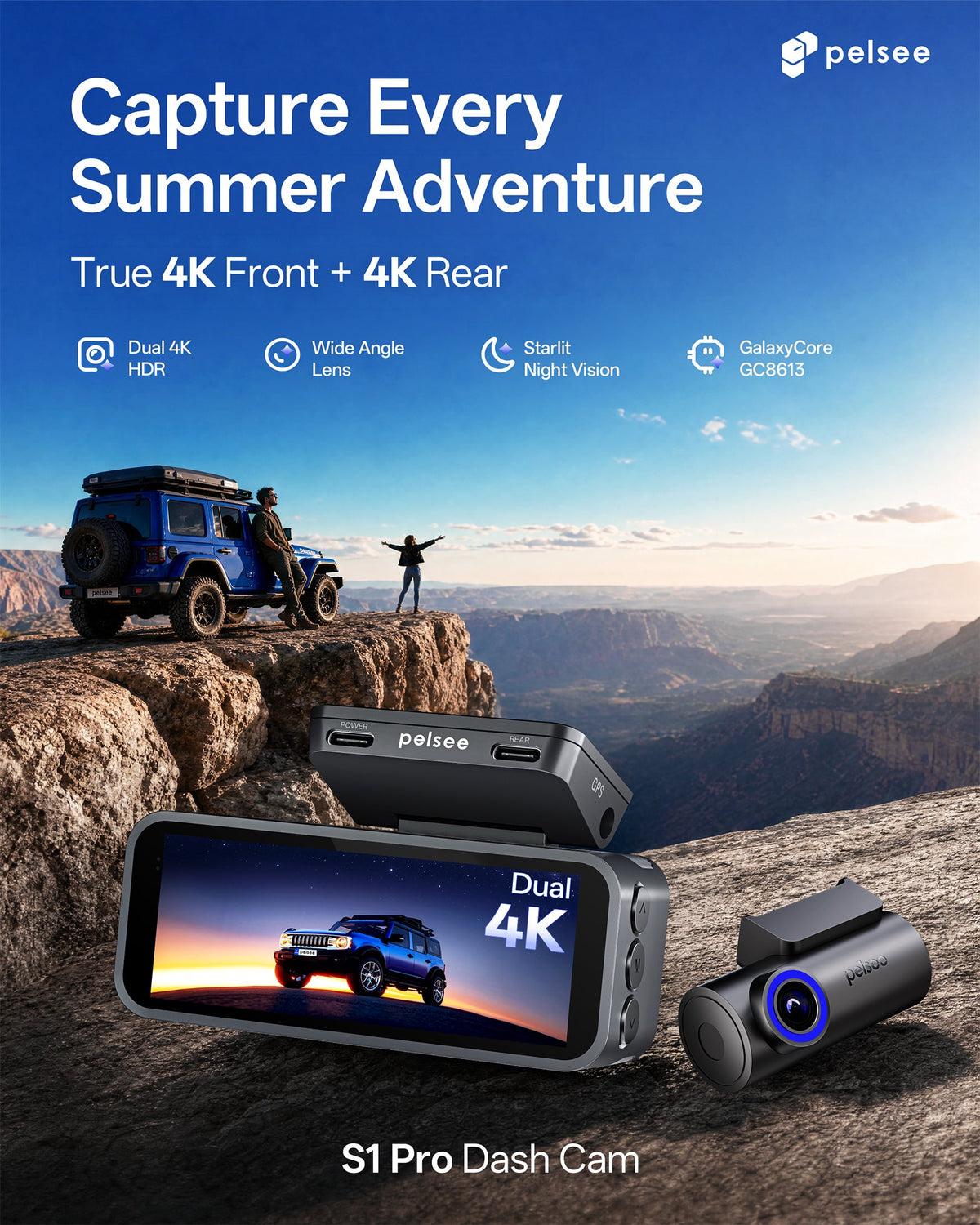
The Pelsee S1 Pro Dual 4K Dash Cam is designed for drivers who want more than a 4K label.
Its front camera uses a true 8MP-class image sensor to capture native 3840 × 2160 footage. The image is captured in 4K at the sensor level rather than recorded at a lower resolution and enlarged afterward.
That means the 4K specification represents genuine image capture—not simply a larger output file.
Combined with a dual-camera setup, the Pelsee S1 Pro helps drivers document the road from more than one direction while preserving the additional detail expected from true front-camera 4K recording.
When choosing a dash cam, do not let one large number make the decision for you. Look at the sensor, the recording method, the complete imaging system and real-world sample footage.
Don’t just buy the 4K label. Choose the real detail behind it.
Share:
The Back-to-School Road Test: Is Your Dash Cam Ready for the School Year?
Best Dash Cam Under $150: What Features Actually Matter?