
Shopping for a dash cam under $150 can be surprisingly confusing. Many models advertise 4K video, night vision, parking monitoring, Wi-Fi, GPS, and other premium-sounding features—but those labels do not always tell you how well the camera will perform in real-world driving.
If your budget is under $150, the goal should not be to find the dash cam with the longest feature list. Instead, focus on the features that actually affect video quality, usability, and reliability when you need the footage most.
Here are the key things that matter when choosing a dash cam under $150.
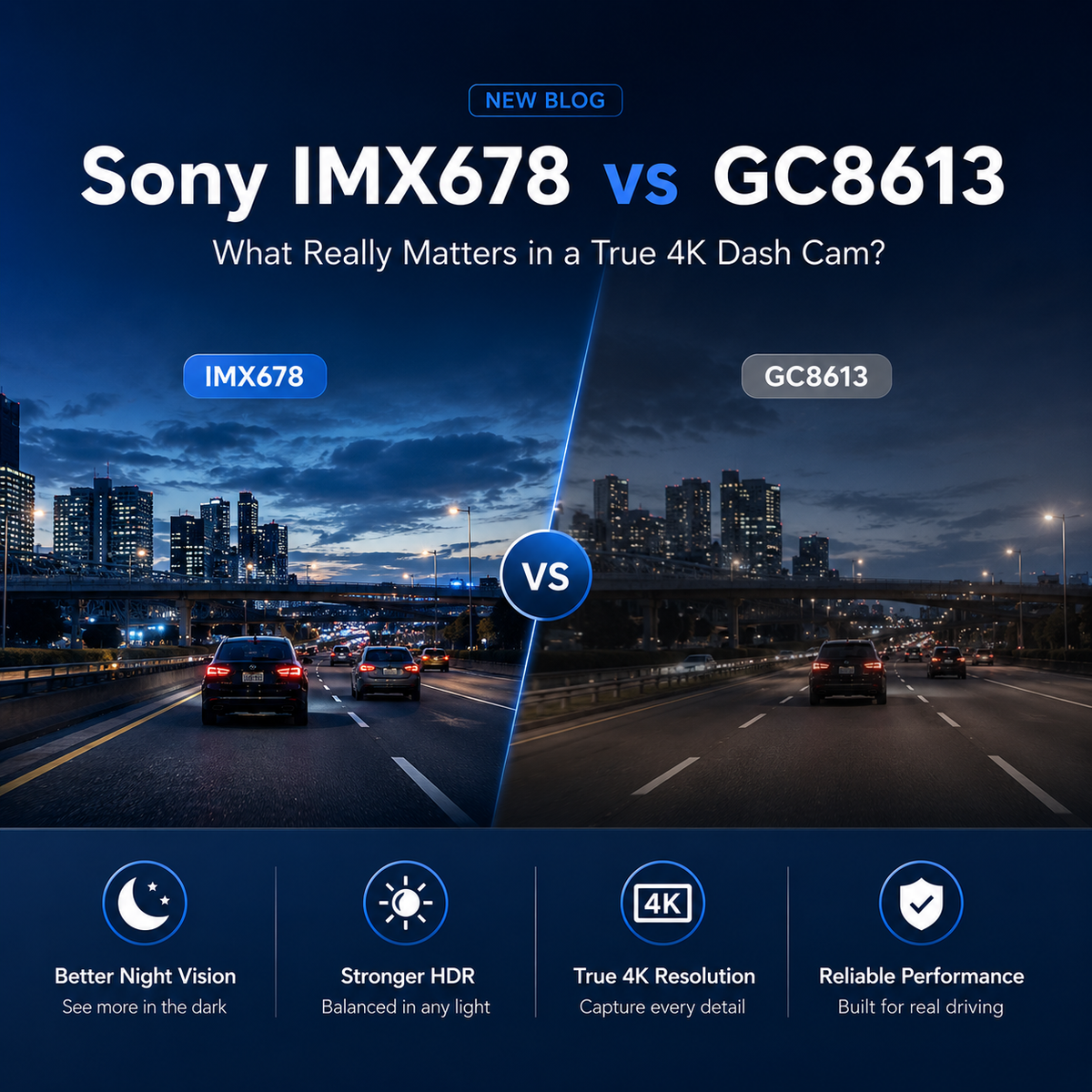
1. Real Video Quality Matters More Than the “4K” Label
Resolution is usually the first specification people notice when shopping for a dash cam.
But not every camera labeled “4K” records the same level of detail.
Some dash cams use lower-resolution image sensors and digitally upscale the footage to a 4K-sized video file. This process can increase the number of pixels in the final file, but it cannot recreate details that were never captured by the sensor.
That is why two dash cams both advertised as “4K” can produce very different results.
When comparing cameras, look beyond the resolution number and consider:
- Whether the front camera uses a native 8MP sensor for 4K recording
- How clearly license plates appear while driving
- Whether road signs remain readable at a distance
- How much detail is preserved in shadows and bright areas
- Whether the image remains sharp at night
For drivers who want useful accident evidence, actual captured detail matters far more than simply seeing “4K” printed on the box.
2. Rear Camera Resolution Is More Important Than You Might Think
Many affordable dash cams place most of the emphasis on the front camera.
A typical setup might offer 4K recording in the front but only 1080p in the rear.
That can be sufficient for basic recording, but rear footage can be extremely important in situations such as:
- Rear-end collisions
- Hit-and-run incidents
- Parking lot accidents
- Tailgating
- Vehicles approaching from behind
Higher rear-camera resolution can make it easier to identify vehicles, road conditions, and other details after an incident.
When comparing dash cams under $150, do not look at the front resolution alone. Check the recording quality of both cameras.
A balanced front-and-rear setup is often more valuable than an extremely high-resolution front camera paired with a weak rear camera.
3. Night Vision Can Matter More Than Daytime Resolution
Most modern dash cams can produce acceptable footage during a bright sunny day.
Nighttime is where the differences become much easier to see.
Low-light recording is difficult because a dash cam must capture details while dealing with:
- Headlight glare
- Dark roads
- Streetlights
- Fast-moving vehicles
- Reflective license plates
- High contrast between bright and dark areas
A good night-driving dash cam should prioritize more than resolution.
Look for features such as:
- A large camera aperture
- High-quality image processing
- HDR or similar exposure-control technology
- A capable image sensor
- Good control of headlight glare
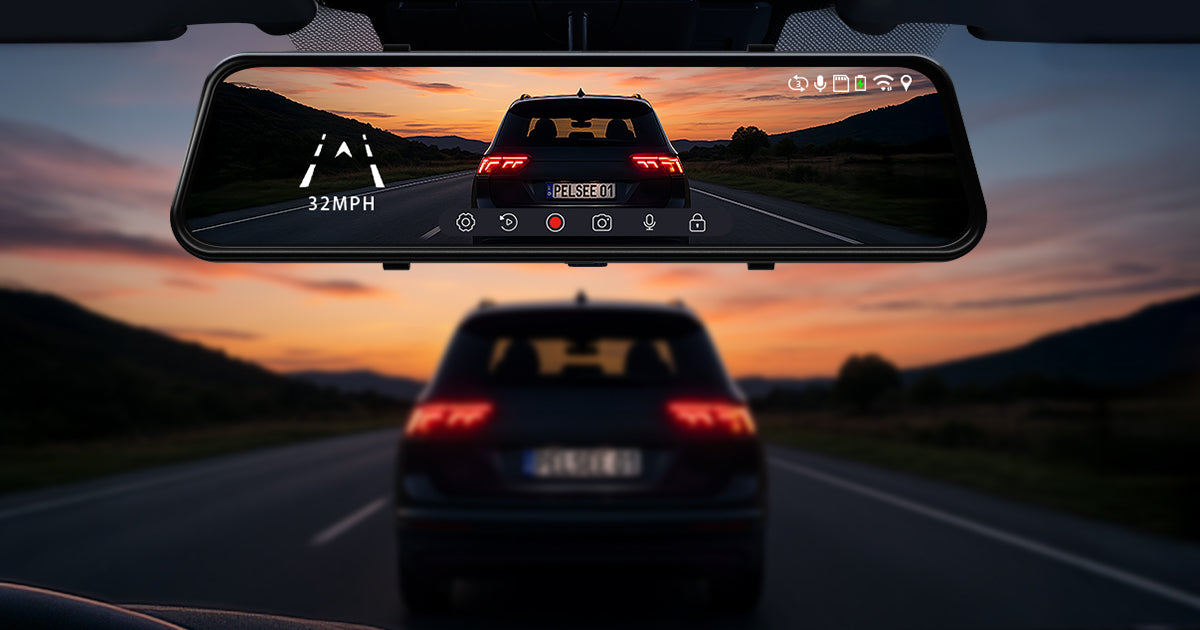
For example, the Pelsee S12 Mirror Dash Cam combines a native 4K front camera with a 2.5K rear camera and an f/1.5 aperture, helping capture brighter footage and preserve more detail in low-light conditions.
The most important question is not simply, “Does this camera have night vision?”
It is:
Can you actually see useful details in the footage at night?
4. Front and Rear Recording Should Be Standard
If you are spending close to $150, a single-channel front camera is difficult to recommend for most drivers.
A dual-channel dash cam gives you coverage in both directions and provides much better context if something happens on the road.
For example, imagine being rear-ended at an intersection.
A front-only dash cam may show your vehicle stopping properly, but it cannot show what the vehicle behind you was doing before the collision.
Rear footage can provide that missing perspective.
When choosing a dash cam under $150, dual-channel recording should be one of the features near the top of your list.
5. Wi-Fi and App Control Make Daily Use Much Easier
A dash cam may capture great footage, but accessing that footage should not be difficult.
Without Wi-Fi, you may need to:
- Remove the microSD card.
- Insert it into a card reader.
- Transfer the files to a computer.
- Find the correct video clip.
That is manageable occasionally, but inconvenient if you regularly want to save footage.
Wi-Fi-enabled dash cams allow you to connect your phone directly to the camera, preview recordings, download clips, and adjust settings through an app.
This is particularly useful immediately after an accident when you may want to review or save important footage.
Faster Wi-Fi standards also help when transferring large 2.5K or 4K video files.
The Pelsee S12, for example, supports Wi-Fi 6, allowing users to access and transfer footage through the Pelsee Cam app.
For a dash cam you will use every day, convenience matters more than it may seem when you are initially comparing specifications.
6. GPS Is Worth Having
Built-in GPS may not seem essential until you actually need the footage.
GPS can record useful driving information such as:
- Vehicle speed
- Driving route
- Location
- Time and date information
This can provide additional context when reviewing footage after an incident.
For example, video alone may show that another vehicle entered your lane, while GPS data can provide additional information about where the event occurred and your driving speed.
At the under-$150 price point, built-in GPS is increasingly common and is worth prioritizing.
7. Storage Capacity and Included Memory Cards Matter
4K footage uses considerably more storage than 1080p footage.
That means the memory card becomes an important part of the overall dash cam experience.
Before purchasing, check:
- Whether a microSD card is included
- The included storage capacity
- Maximum supported card capacity
- Whether the camera uses loop recording
Loop recording automatically overwrites the oldest unprotected footage when the storage card becomes full.
This allows the dash cam to continue recording without requiring you to manually delete old files.
An included memory card also saves you from having to purchase one separately immediately after buying the camera.
The Pelsee S12 includes a 64GB microSD card, making it ready to start recording shortly after installation.
8. Installation Design Is Often Overlooked
Specifications are important, but installation affects how much you enjoy using the dash cam every day.
Poor cable placement or awkward connections can make even a good camera frustrating.
Mirror dash cams can be especially useful for drivers who want:
- A large display
- Front and rear recording
- A cleaner-looking dashboard
- A wider rear view
- Easy access to live rear-camera footage
The S12 uses a 12-inch touchscreen mirror display and a recessed-port design intended to help keep cables more organized around the mirror.
For traditional dash cams, compact size and discreet placement may be more important.
Neither design is automatically better—it depends on your vehicle and personal preference.
9. Parking Monitoring Is Useful, but Check the Requirements
Parking mode is frequently advertised on dash cams, but buyers should read the details carefully.
Many cameras require a separate hardwire kit to provide power after the vehicle is turned off.
Parking monitoring can help record events such as:
- Parking lot collisions
- Hit-and-runs
- Someone approaching your vehicle
- Incidents while your car is unattended
If parking protection is important to you, check whether:
- Parking mode is supported
- A hardwire kit is required
- The hardwire kit is included or sold separately
- Battery protection is available
Do not assume “parking monitor” means the feature will automatically work out of the box.
10. Features You Probably Shouldn't Prioritize
When shopping under $150, it is easy to get distracted by long specification lists.
Some features can be useful, but they should not come at the expense of video quality and reliability.
For most drivers, prioritize:
Video quality → rear-camera quality → night performance → reliability → app usability → GPS
before worrying about smaller extras.
A dash cam's main job is still to capture usable evidence.
If the video is blurry when you need to identify a vehicle or license plate, dozens of additional features will not make up for it.
What Should You Expect From a Good Dash Cam Under $150?
A strong dash cam in this price range should ideally offer:
- High-quality front recording
- At least 2K or better rear recording
- Reliable night performance
- Front and rear coverage
- Wi-Fi and app connectivity
- GPS
- Loop recording
- A memory card included or support for high-capacity storage
- Optional parking monitoring
- Simple installation
Not every camera will offer all of these, so deciding which features matter most to your driving habits is important.
A Strong Option Under $150: Pelsee S12
For drivers looking for a mirror dash cam around this price range, the Pelsee S12 Native 4K + 2.5K Mirror Dash Cam is designed around the features that matter most for everyday recording.
Key features include:
- Native 4K front recording
- 2.5K rear recording
- 8MP front image capture
- Starlit Color Night Vision
- f/1.5 aperture
- Wi-Fi 6 connectivity
- Built-in GPS
- 12-inch touchscreen mirror display
- 64GB microSD card included
- Backup assist support
Rather than focusing only on the “4K” label, the S12 is designed to provide stronger image detail from both the front and rear cameras while remaining within an accessible price range.
Final Thoughts
The best dash cam under $150 is not necessarily the model with the most features or the biggest resolution number on the product page.
Instead, focus on what the dash cam will actually do when something happens on the road.
Look for clear front and rear footage, strong nighttime performance, reliable recording, convenient video access, and useful features such as GPS.
Most importantly, pay attention to the quality behind the specifications.
Because when you need dash cam footage after an accident, real detail matters more than numbers on a spec sheet.
Share:
Don’t Buy a 4K Dash Cam Based on the Number Alone
2.5K vs 1080P Rear Camera: Why Resolution Matters for a Mirror Dash Cam