
A dash cam is only as reliable as the memory card inside it.
Many drivers focus on camera resolution, night vision, or parking mode, but the SD card plays a critical role in how well a dash cam performs every day. The wrong memory card can lead to missing footage, recording errors, corrupted files, or shorter recording time than expected.
So what size SD card do you actually need for a dash cam?
The answer depends on several factors, including video resolution, number of cameras, recording settings, driving time, and whether you use parking mode.
This guide explains how dash cam memory cards work and helps you choose the right size for your needs.
Why the Right SD Card Matters for Dash Cams
Dash cams record continuously while you drive.
Unlike a phone or digital camera, a dash cam repeatedly writes and overwrites video files every day. This constant recording puts heavy demand on the memory card.
A reliable dash cam SD card should be able to handle:
-
Continuous video recording
-
Loop recording
-
High-resolution footage
-
Heat inside the vehicle
-
Frequent file overwriting
-
Emergency video protection
Using a low-quality or incompatible card may cause recording issues when you need footage most.
For this reason, choosing the right memory card is an important part of any dash cam setup.
What Size SD Card Do You Need for a Dash Cam?
For most drivers, a 128GB or 256GB SD card is the best choice.
A smaller card may work for basic recording, but larger cards provide more recording time before older files are overwritten.
Here is a general recommendation:
| Dash Cam Usage | Recommended SD Card Size |
|---|---|
| Basic 1080p front camera | 64GB–128GB |
| 1080p front and rear dash cam | 128GB |
| 2K or 1440p dash cam | 128GB–256GB |
| 4K front dash cam | 128GB–256GB |
| 4K front and rear dash cam | 256GB or higher |
| Heavy driving or parking mode | 256GB–512GB |
These are general estimates. Actual recording time depends on bitrate, compression, resolution, frame rate, and the number of cameras recording at the same time.
Before buying, always check the maximum card size supported by your dash cam.
64GB SD Card: Is It Enough?
A 64GB SD card can work for basic dash cam recording, especially if you use a single front-facing 1080p camera.
It may be suitable for:
-
Short daily commutes
-
Basic accident recording
-
Occasional driving
-
Lower-resolution dash cams
However, 64GB may not be ideal for drivers who use:
-
4K recording
-
Front and rear recording
-
Parking mode
-
Long-distance driving
Because storage fills up faster, older footage may be overwritten sooner. If you want more recording history available, a larger card is usually a better option.
128GB SD Card: A Good Everyday Choice
A 128GB SD card is a strong choice for many everyday drivers.
It provides more recording time than 64GB while remaining affordable and widely compatible.
A 128GB card may be a good fit for:
-
Daily commuters
-
1080p front and rear dash cams
-
2K dash cams
-
Moderate driving time
-
Basic parking mode use
For many drivers, 128GB offers a practical balance between cost, compatibility, and recording capacity.
However, if you use 4K recording or drive for long hours, you may benefit from a 256GB card.
256GB SD Card: Best for Most 4K Dash Cams
For 4K dash cams, a 256GB SD card is often the better choice.
4K video creates larger files because it captures more detail than 1080p footage. If you use a front and rear dash cam system, storage usage increases even more.
A 256GB card is recommended for:
-
4K dash cams
-
Front and rear dash cams
-
Frequent driving
-
Long commutes
-
Road trips
-
Parking mode recording
With more storage capacity, your dash cam can keep more footage before loop recording overwrites older files.
For drivers who want better peace of mind, 256GB is often the most practical upgrade. If you're also considering which 4K front and rear system to pair with your card, our 4K Front and Rear Dash Cam Buying Guide covers the key features to look for.
512GB SD Card: Best for Heavy Recording Needs
A 512GB SD card provides even more recording time and is useful for drivers with high storage demands.
It may be a good option for:
-
Rideshare drivers
-
Truck drivers
-
Long-distance commuters
-
Fleet vehicles
-
Road trip travelers
-
4K front and rear recording
-
Extended parking mode use
However, not all dash cams support 512GB cards.
Before purchasing a 512GB card, check your dash cam's specifications to confirm compatibility. Rideshare drivers who need maximum recording coverage may also find our guide on the Best Dash Cam for Uber Drivers useful for choosing the right camera and storage combination.
How Long Can a Dash Cam Record on an SD Card?
Recording time varies widely depending on the dash cam model and settings.
Factors that affect recording time include:
-
Video resolution
-
Number of cameras
-
Bitrate
-
Frame rate
-
Video compression
-
Parking mode settings
As a general rule, higher resolution uses more storage.
A 4K dash cam will use storage much faster than a 1080p dash cam. A front and rear dash cam will also use more storage than a single-channel camera.
Because of this, the same SD card may last much longer in one dash cam than another.
Estimated Recording Time by SD Card Size
The table below gives rough estimates for typical dash cam recording. Actual results may vary.
| SD Card Size | 1080p Front Camera | 4K Front Camera | 4K Front + Rear Camera |
|---|---|---|---|
| 64GB | Several hours | Shorter recording time | Limited recording time |
| 128GB | Good for daily use | Moderate recording time | Basic use |
| 256GB | Extended recording | Good recording time | Recommended |
| 512GB | Long recording history | Extended recording | Best for heavy use |
Because dash cams use loop recording, they automatically overwrite the oldest unlocked footage when the card is full.
Important clips protected by the G-Sensor or emergency lock feature are usually saved separately and may not be overwritten immediately.
What Type of SD Card Is Best for Dash Cams?
Not every microSD card is designed for dash cam use.
Dash cams need memory cards that can handle constant writing and high temperatures.
When choosing a card, look for:
-
High-endurance microSD card
-
Class 10 rating
-
UHS-I compatibility
-
U3 or V30 rating for 4K recording
-
Reliable brand
-
Heat-resistant design
High-endurance cards are strongly recommended because they are designed for continuous video recording.
Standard consumer microSD cards may work at first but can wear out faster under heavy dash cam use.
Do You Need a High-Endurance SD Card?
Yes, a high-endurance SD card is highly recommended for dash cams.
Dash cams constantly write video files while driving. Over time, this repeated writing can wear down regular memory cards.
High-endurance cards are designed for:
-
Continuous recording
-
Loop recording
-
Hot vehicle interiors
-
Long-term reliability
-
Frequent overwriting
For a dash cam, reliability matters more than simply buying the cheapest or fastest card.
A high-endurance card can help reduce the risk of lost or corrupted footage.
Why 4K Dash Cams Need Better Memory Cards
A 4K dash cam records more detail, but that also means larger video files.
Compared with 1080p footage, 4K recording usually requires:
-
More storage capacity
-
Faster write speed
-
Better card reliability
-
More frequent file management
For 4K dash cams, a 128GB card may work, but a 256GB card is often a better long-term choice.
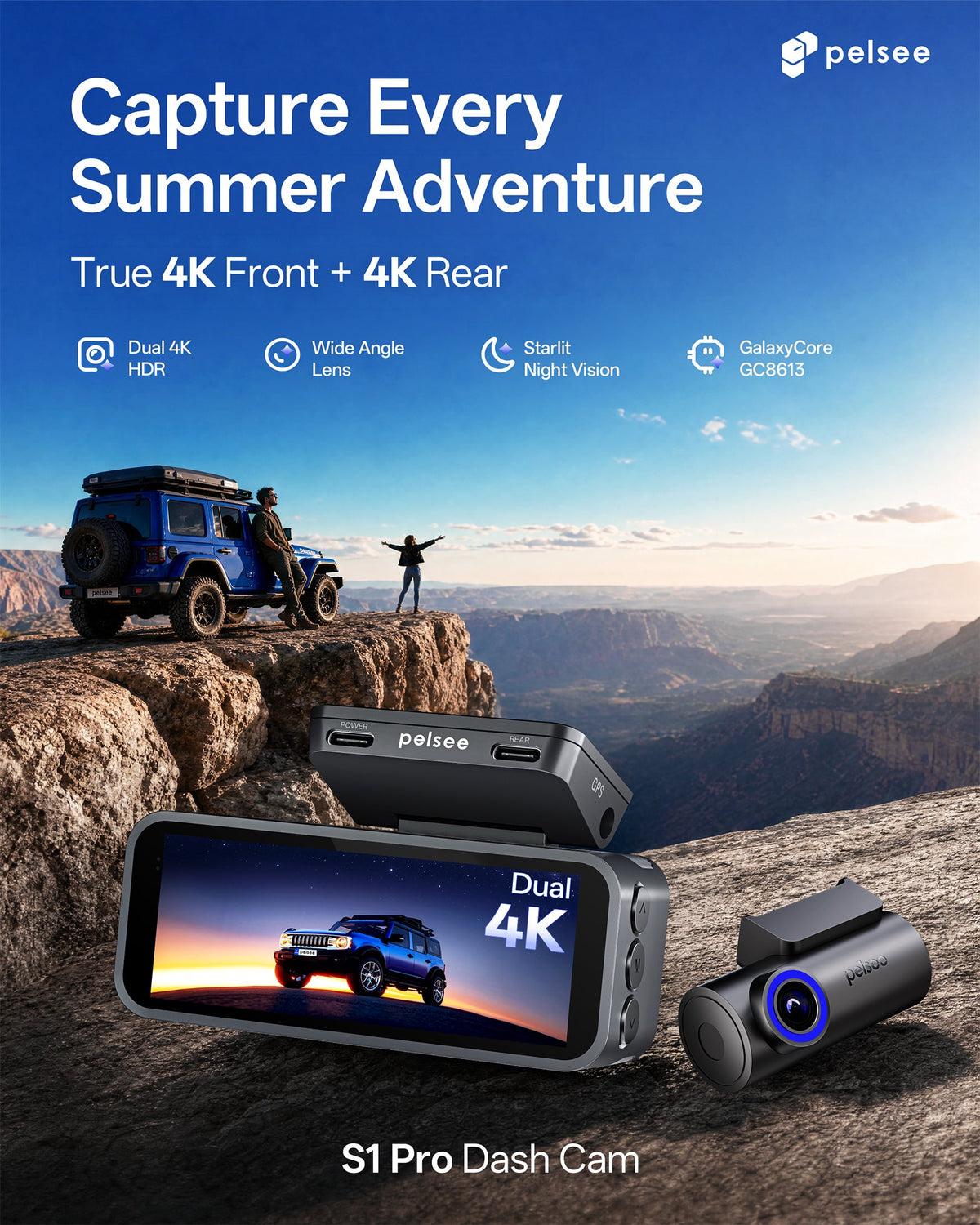
For 4K front and rear systems, 256GB or higher is usually recommended if supported by the device. The Pelsee S3 Ultra is one example of a native 4K front and rear system that benefits from a 256GB high-endurance card for optimal recording coverage.
What About Parking Mode?
Parking mode can increase storage usage depending on how it records.
Common parking mode types include:
Impact Detection
The dash cam records when it detects a shock or collision.
This usually uses less storage than continuous recording.
Motion Detection
The dash cam records when movement is detected near the vehicle.
Storage usage depends on how much activity occurs around the car.
Time-Lapse Recording
The dash cam records at a reduced frame rate.
This uses less storage than normal recording while still capturing activity over time.
Continuous Parking Recording
The dash cam records continuously while parked.
This uses the most storage and is best paired with a larger memory card.
If you use parking mode regularly, choosing a larger SD card can help preserve more footage.
How Often Should You Format a Dash Cam SD Card?
Formatting the SD card regularly helps maintain recording stability.
Many dash cam users format their cards every few weeks or once a month, depending on usage.
Formatting can help:
-
Clear old protected files
-
Reduce file system errors
-
Improve recording reliability
-
Prevent storage warnings
Always format the card inside the dash cam rather than on a computer whenever possible.
Before formatting, save any important footage you want to keep. For a full setup and troubleshooting walkthrough, see our Ultimate Dash Cam Installation Guide.
Signs Your Dash Cam SD Card May Be Failing
Memory cards do not last forever.
Common signs of SD card problems include:
-
Recording stops unexpectedly
-
Dash cam shows a memory card error
-
Files are corrupted
-
Video playback fails
-
The card cannot be formatted
-
Missing footage appears in the recording history
If you notice these problems, replace the card as soon as possible.
A failing SD card can prevent your dash cam from recording important footage. For broader maintenance tips that can help extend the life of your entire dash cam system, see our Essential Guide to Summer Dash Cam Maintenance.
Common Mistakes When Choosing a Dash Cam Memory Card
Choosing the Cheapest Card
Low-cost cards may not be reliable enough for continuous recording.
Ignoring Dash Cam Compatibility
Not every dash cam supports every card size.
Using an Old Card
Older cards may already be worn out from previous use.
Buying Too Little Storage
Small cards overwrite footage more quickly.
Forgetting to Format the Card
Regular formatting helps maintain performance.
Avoiding these mistakes can help keep your dash cam recording reliably.
Recommended SD Card Size by Driver Type
Daily Commuters
Recommended size: 128GB
A 128GB card is usually enough for regular daily driving and basic recording needs.
Long-Distance Drivers
Recommended size: 256GB
Longer drives create more footage, so extra storage is helpful.
4K Dash Cam Users
Recommended size: 256GB
4K video uses more storage and benefits from larger capacity.
Front and Rear Dash Cam Users
Recommended size: 256GB or higher
Dual-channel recording creates more files than single-camera recording.
Rideshare or Commercial Drivers
Recommended size: 256GB–512GB
Drivers who record for long hours should consider larger high-endurance cards if supported.
Frequently Asked Questions
What size SD card is best for a dash cam?
For most drivers, 128GB or 256GB is the best choice. For 4K or front and rear dash cams, 256GB is often recommended.
Is 64GB enough for a dash cam?
A 64GB card can work for basic 1080p recording, but it may overwrite footage quickly, especially with 4K or dual-channel dash cams.
Do I need a special SD card for a dash cam?
Yes. A high-endurance microSD card is recommended because dash cams record continuously and overwrite files frequently.
Can I use a 512GB SD card in my dash cam?
Only if your dash cam supports it. Always check the maximum supported card size before buying.
How often should I replace my dash cam SD card?
Replacement depends on usage, but heavy users should inspect and replace cards periodically, especially if recording errors appear.
Should I format my SD card before using it?
Yes. Format the card in the dash cam before first use and regularly afterward to help maintain stable recording.
Final Thoughts
Choosing the right SD card is one of the easiest ways to improve dash cam reliability.
For basic driving, a 128GB high-endurance card is often enough. For 4K dash cams, front and rear recording, parking mode, or long-distance driving, a 256GB card or larger may be the better choice.
More storage means more recording history, fewer overwritten files, and greater peace of mind.
Before buying, always check your dash cam's supported card size and choose a high-endurance microSD card designed for continuous recording.
A good memory card helps ensure your dash cam is ready when it matters most.
Share:
Rear Camera Dash Cam vs Backup Camera
Best Dash Cam for Trucks, SUVs and Pickup Trucks